Introducing Zipwire's MCP Server: Use Timesheets with Claude
09 Jun 2026
09 Jun 2026 by Luke Puplett - Founder

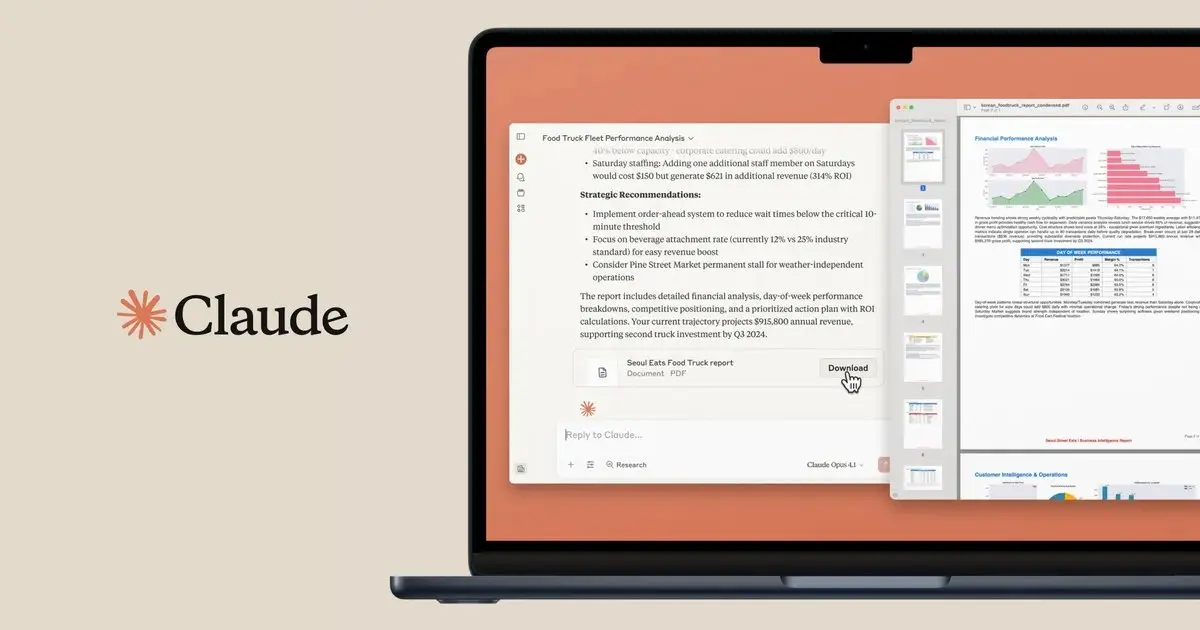
Manage Your Timesheets Directly Inside Claude
Staffing agencies thrive on efficiency—yet too many hours are still wasted switching tabs, chasing approvals, and manually copying data. Today we're launching Zipwire's MCP (Model Context Protocol) integration, which connects your Zipwire account directly to Claude. Ask it to check pending approvals, create time entries, set up a new workflow for a client, or pull up a contractor's recent submissions. Claude handles it without you leaving the conversation.
How It Makes Your Day Easier
For approvers and ops teams: Imagine tackling your morning admin without leaving your chat window. You ask: "What timesheets are waiting for my approval?" Claude checks your Zipwire inbox and lists them—who submitted, which client, what period. You say "approve the one from Priya for the Barclays contract." Done. No browser, no login, no searching.
For contractors and workers: Just hopped off a long technical call and want to log your hours before getting back into the zone? Tell Claude: "Add four hours to my journal today for the Deloitte project, consulting work." Claude logs it instantly. Friday afternoon comes around? Just tell Claude: "Submit my week." Done.
For agency administrators: A new contract starts Monday. You tell Claude: "Create a workflow for Accenture—weekly timesheets, approval by the project lead, then finance." Claude sets it up. Need to add an activity code for the new engagement? "Create an activity code: Accenture > Digital Transformation > BA Work." Done.
Getting Connected: Four Steps
1. Log in to Zipwire in your browser and keep the tab open.
2. Open Claude Desktop → Settings → Connectors.
3. Add a new connector: Name it Zipwire, paste the URL (https://zipwire.io/api/v1/mcp), and leave the remaining fields blank.
4. Click Connect → authorize on the Zipwire consent page → you're in.
What's Available
The tools you see depend on your role. Contractors see time entry and timesheet tools. Approvers see their inbox and approval actions. Admins see workflow and activity management. You only see what's relevant to you.
Available now: time entries, timesheets (submit, approve, process), activities, workflows, payment methods, company data, and account settings.
Works with Any AI Chatbot or Custom Tool
MCP is an open, universal standard. While Claude Desktop is the most common way to use this today, any MCP-compatible client can connect to Zipwire's server—including custom agents and automated workflows you build yourself.
The server is live. Read the setup guide →
That's lovely and everything but what is Zipwire?
Zipwire Collect handles document collection for KYC, KYB, AML, RTW and RTR compliance. Used by recruiters, agencies, landlords, accountants, solicitors and anyone needing to gather and verify ID documents.
Zipwire Approve manages contractor timesheets and payments for recruiters, agencies and people ops. Features WhatsApp time tracking, approval workflows and reporting to cut paperwork, not corners.
Zipwire Attest provides self-service identity verification with blockchain attestations for proof of personhood, proof of age, and selective disclosure of passport details and AML results.
For contractors & temps, Zipwire Approve handles time journalling via WhatsApp, and techies can even use the command line. It pings your boss for approval, reducing friction and speeding up payday. Imagine just speaking what you worked on into your phone or car, and a few days later, money arrives. We've done the first part and now we're working on instant pay.
All three solutions aim to streamline workflows and ensure compliance, making work life easier for all parties involved. It's free for small teams, and you pay only for what you use.